Meet Oro, the coolest node-based app for professional work.
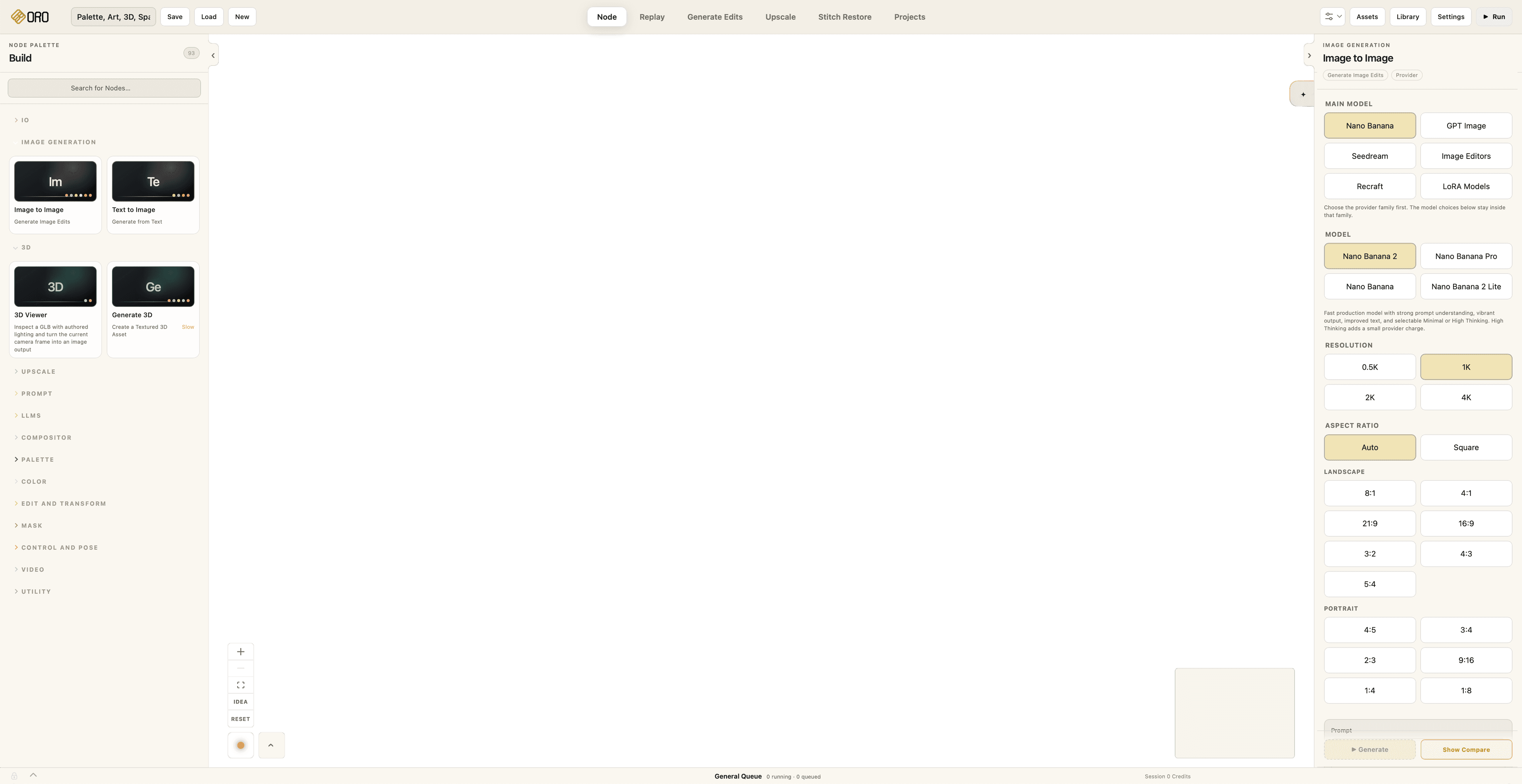
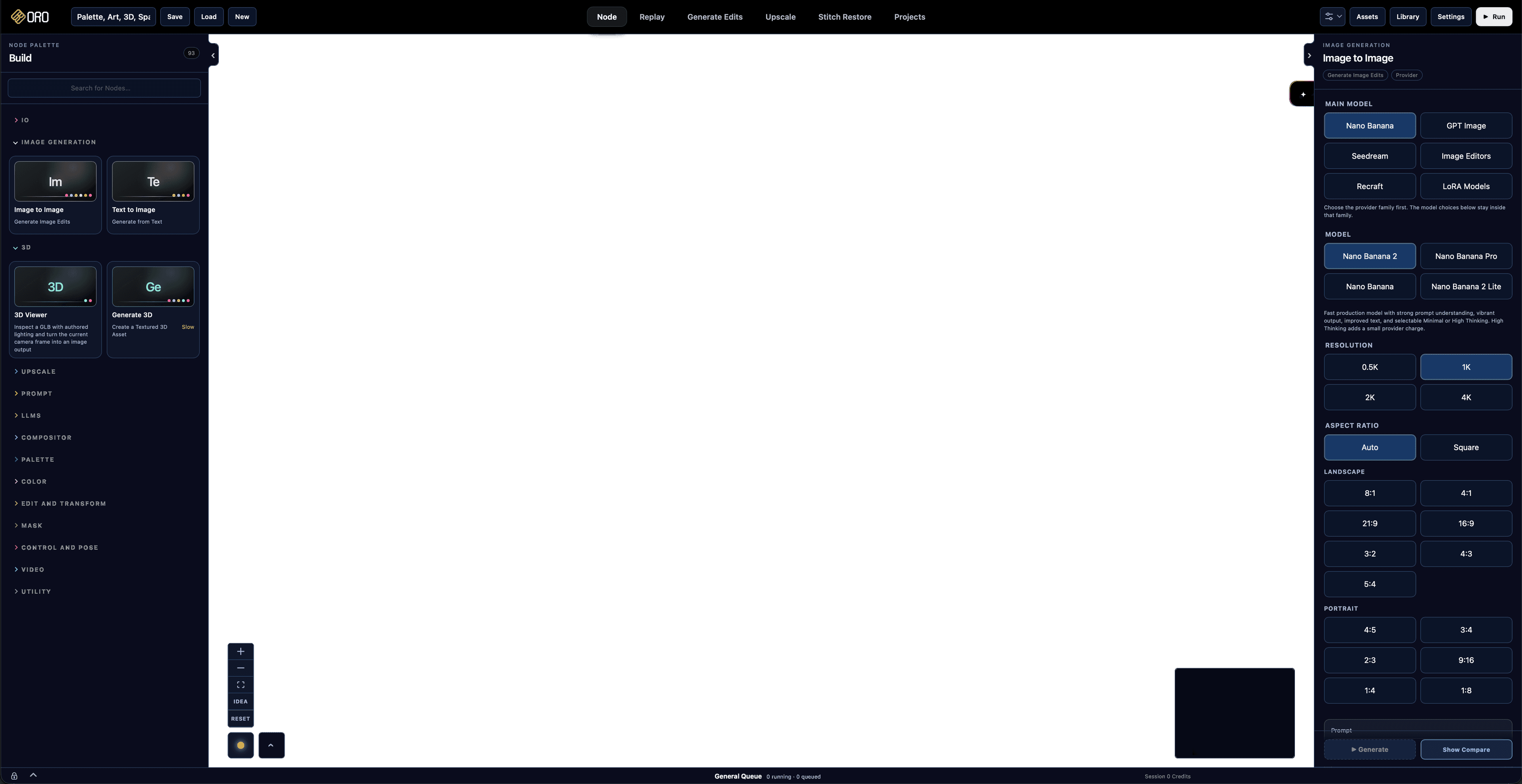
Free on Oro
- Depth Extraction
Create a depth map locally and keep it connected to the source that produced it.
- Mask Creation
Build and refine production masks without sending the image to a paid model.
- Transparency Extraction
Separate the subject from its background and keep a clean alpha result inside the graph.
- Machine Upscaling
Increase image resolution with local processing that does not consume Oro credits.
- Color Keyer
Select and isolate a Color range for fast compositing, cleanup and controlled adjustments.
- Compositor
Combine images, masks and adjustments visually while every input remains available to change.
- Color Balance
Adjust shadows, midtones and highlights as a visible, reusable part of the workflow.
- Color Matching
Bring one image into the Color language of another without turning the process into a black box.
- Video Silence Cut
Find silent sections in a video and prepare a tighter edit with local analysis.
- Video Subtitles
Create timed subtitle material and keep it beside the video work it belongs to.
Paid on Oro
- Image Generation
Run an approved managed model, or use a supported personal provider key when Oro API or an Enterprise contract authorizes it.
- Video Generation
Send an intentional video request to a connected provider with its model and cost made explicit.
- LLM Agents
Use a connected language model for directed reasoning, writing and workflow assistance.
SPEED
Every tool you can think of
Oro has tools that are not available elsewhere. We create in a way that designers do, so working feels smooth and seamless.
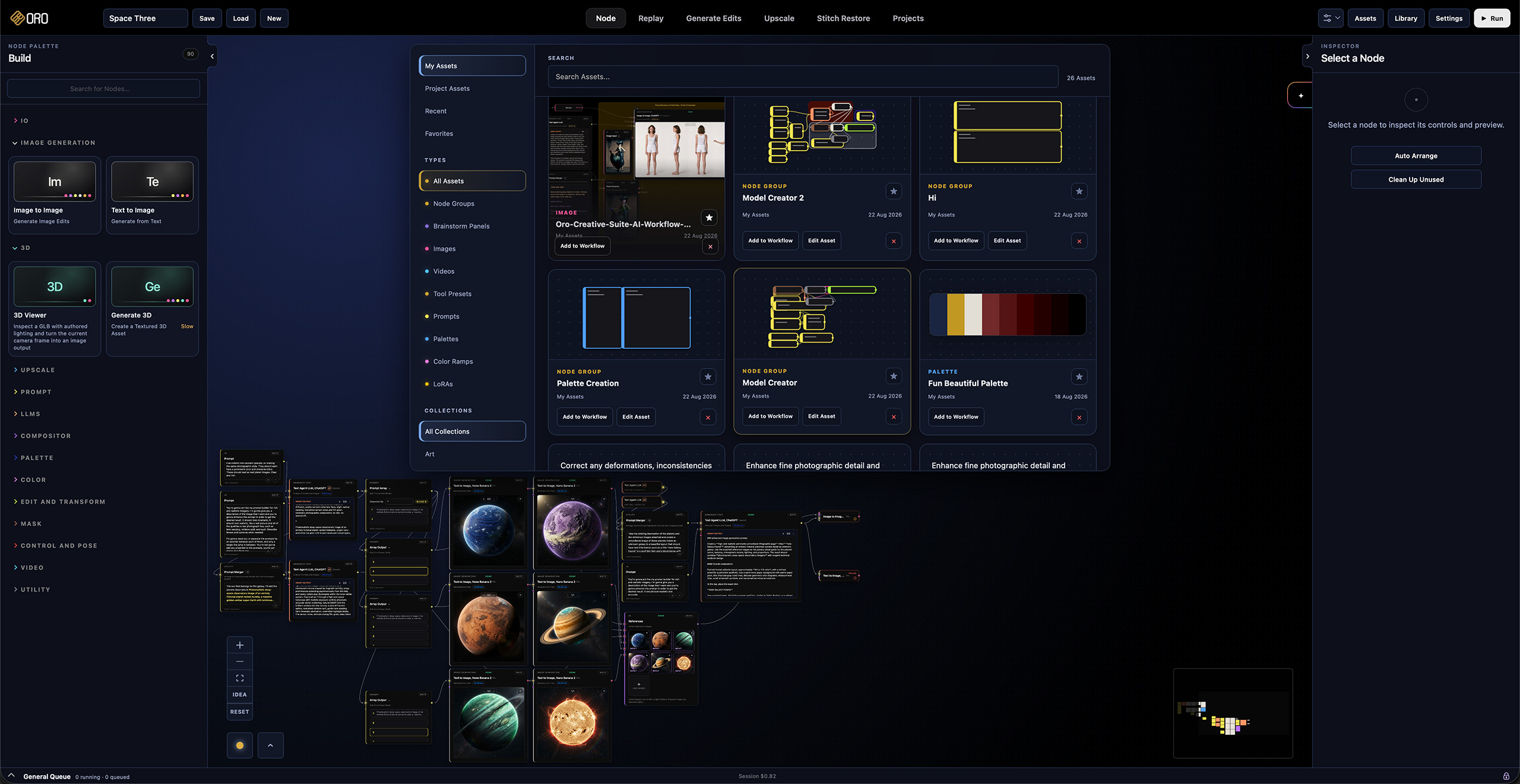
Select, mark as asset, ready for the next round
Your best ideas should be ready to use again.
With our Asset Manager you can save all node systems, prompts and palettes that took real work to get right, then place them into another scene exactly as they were saved.
The Asset Manager keeps everything visual, searchable and close to the canvas. Drag an Asset into the workspace, keep building, and update the saved system whenever the idea becomes better.

Visually stunning, feature perfect.
Storyboard, your fully flexible visual guide:
Storyboard in Oro is the best solution for all your visual guides. Add images, reorder, resize, all the tools are available to you.
Our Storyboard also features a full fledge timeline with video playback and export. Check for timing, adjust to perfection.
The work behind the work.

Building the Asset Panel: reusable work without breaking the graph
The Asset Panel began with a simple question: how can a useful piece of a workflow become reusable without flattening the structure, losing its media, or turning the graph into a preset browser?
Read story
When perfect starts to feel wrong, Authenticity Grain comes to the rescue
Authenticity Grain adds controlled noise back to your image. With full control on size, chroma and highlight response at the end of the workflow, so a finished image can stop reading as generated without losing its detail.
Read story
A color story should stay part of the workflow.
Color Palette turns a source image into an editable color system that can be named, reordered, previewed and carried into the next creative decision.
Read story
Prompt Merger, to keep your thinking organized
Prompt Merger keeps connected prompts as draggable blocks inside one continuous writing surface, with room to write before, between and after them.
Read storyFollow the process
Development Record
Workflows to start from
shipped+Space Discovery and Model Creator now come bundled with Oro.
Open them with their saved results, explore how they work, and change the prompts or connections for your own project.