About Oro / A note from the founder
Creative work
should be fun.
Hello!
I'm Gabriel Moro, an AI and 3D artist, and founder of Oro, with 6+ years building visual pieces from concept through final delivery. I started out in graphic design, which still shapes how I approach complex tasks.
Most of my work sits between creating and engineering, finding solutions for different limitations, expanding what is possible and scaling production. When a limitation is met, I build the solution. Sometimes it means creating something from the ground up.
My 3D knowledge comes into play with node systems, using meshes as guides for generation and more. Understanding how images come to life in complex environments helps me work across different tools and keep control over the result.
This is also how I approach building Oro. I use it in my own work, find what gets in the way, and work on making it better. I want powerful tools to help you explore an idea, work through the details and enjoy the process.
I've worked on brand campaigns for MTV, Converse, Dior, Natura and Rede Globo, and more.
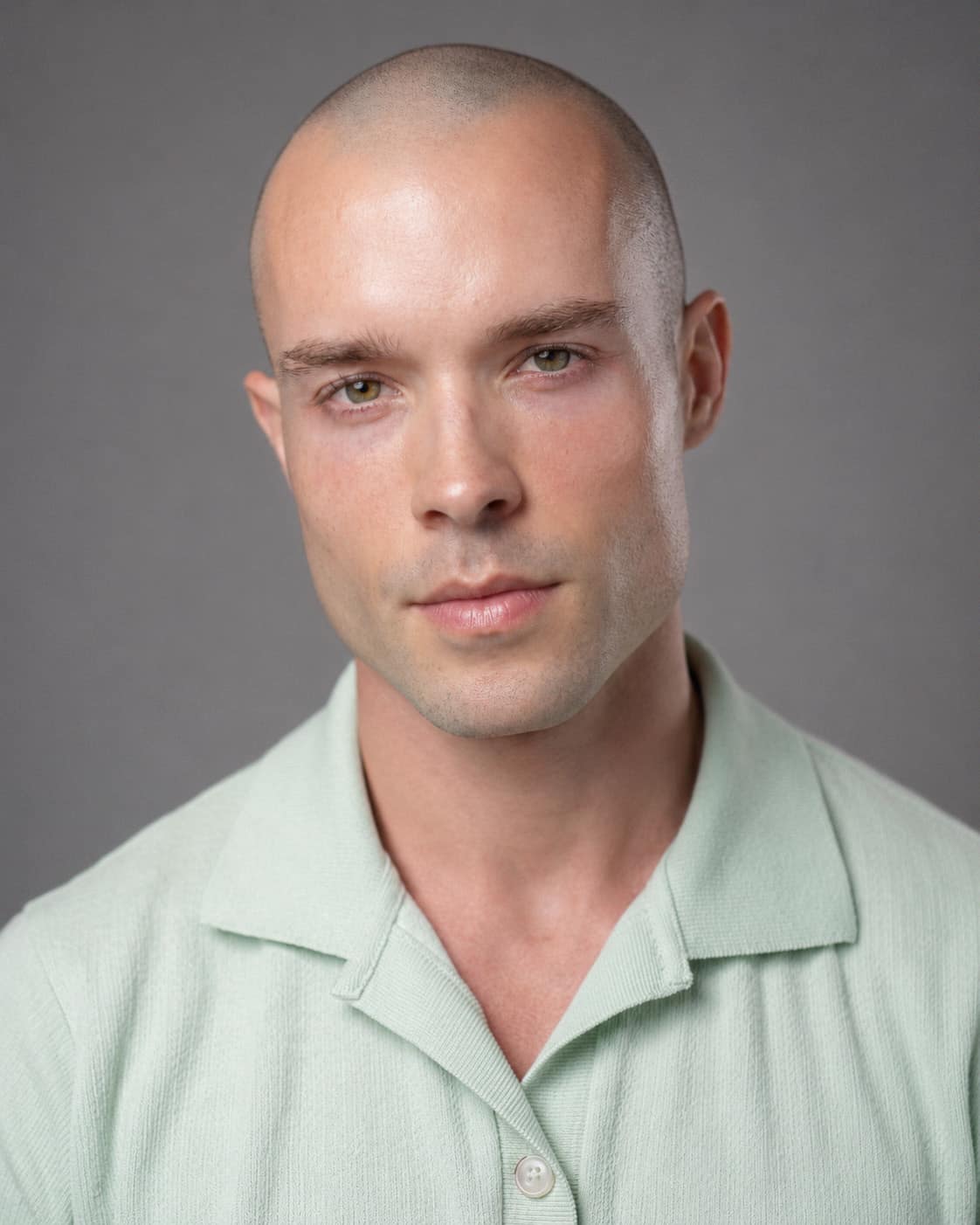
Gabriel Moro 3D artist, AI creative director & founder of Oro
One workspace, many ways to create
Your idea has somewhere to go.
Oro brings image tools, 3D, video and connected models into a node workspace. You can work on one part, connect it to the next and keep building on what you have made.
Make the next step easier.
We want you to spend your attention on the work. Helpful starting points, connection suggestions and reusable setups should make it easier to try something without rebuilding everything.
A workspace you enjoy using.
Themes, colors and small interactions are part of the experience, not an afterthought. A tool you use for hours should feel comfortable and let some of your personality in.
Explore the Theme Editor ↗Real work gives us better questions.
I use Oro as a creator, and the people trying it bring their own ways of working. Their feedback has already helped shape the app. We want to keep listening as more people make it part of their process.
Follow the development ↗Local work, local tools.
You can arrange your workflow and use local editing tools on your computer. That does not mean every part of Oro works offline: connected generation and account services need an internet connection.
Check what you are sending.
When you run a connected model, the inputs needed for that request are sent for processing. Review the prompt, connected images and selected service before running it, especially when working with client material.
Review the estimate and settings.
Check the cost estimate when available, along with the model and output settings. An estimate is not a guaranteed final charge. If the price is unavailable or unclear, check the provider’s pricing before continuing.
Start with an idea